








Google is updating its AI Mode experience in Chrome, changing how users interact with links and search results inside the AI chat interface. The update focuses on how sources are opened and how information is pulled into responses, especially for users who switch between multiple tabs while researching.
The company is adding side-by-side browsing to AI Mode in Chrome, letting U.S. desktop users open webpages next to the AI panel without losing their search context.
Side-by-Side Browsing on Desktop
When a user clicks a source link inside AI Mode on Chrome desktop, the webpage appears next to the chat window. From there, users can read the content and ask follow-up questions without leaving the context of the AI conversation or switching back and forth between tabs.
Google uses the example of a user searching for a coffee maker. They can click through to a product page, compare details and read reviews on that page, and continue asking AI Mode about other options without switching tabs or restarting the conversation. The update removes the toggle between AI results and source pages that the previous design required.
Before this update, clicking a source inside AI Mode would typically open a new browser tab. That created a separation between the AI response and the original webpage. Now, both sit on the same screen, which keeps the chat and the source content connected.
The update is currently available to users in the U.S., with Google stating that a global rollout is expected “soon.”
Using multiple tabs inside AI Mode
Google is also expanding how AI Mode pulls in information from a user’s browsing activity. In Chrome on desktop and mobile, users can now choose specific tabs for AI Mode to reference. This is done by selecting the “plus” button inside the AI Mode interface or the Google search box, which then shows a list of open or recent tabs.
Once selected, AI Mode can generate answers based on the content from those tabs. This also extends beyond links. Users can add images or files directly into AI Mode queries, allowing the system to work with more than just typed prompts or URLs.
How AI Mode Got Here
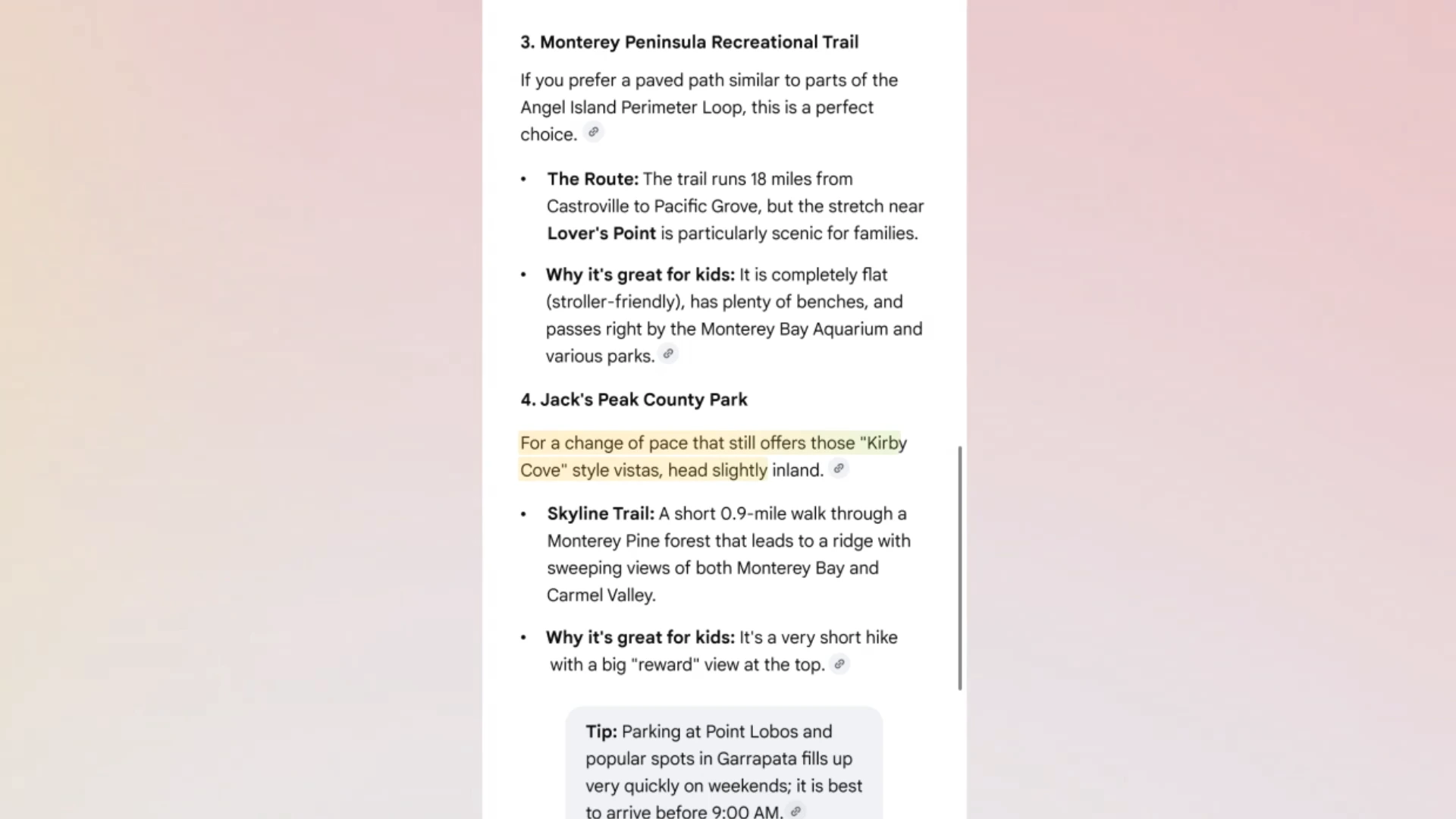
Google launched AI Mode as a Search Labs experiment in early 2025 and rolled it out to all U.S. users later that year. The feature uses Gemini to generate conversational, multi-step answers inside Google Search. Since launch, Google has added a homepage button, made links more visible in responses, connected personal intelligence features to Gmail, Calendar, and Maps, introduced agentic capabilities for restaurant booking and event tickets. Google also launched Auto Browse in Chrome for multi-step tasks, and added AI-powered features to the browser earlier this year.
This latest update continues that shift by keeping users closer to source material while still staying inside the AI interface.
Competitive Context
Microsoft's Copilot Mode in Edge offers a structurally similar split-screen experience with an AI panel alongside the browsing window. OpenAI is folding its browsing capabilities into the ChatGPT superapp. Perplexity's Comet browser is free on all platforms.
Google's approach is closest to Microsoft's. Both companies are layering AI into their existing browsers rather than building dedicated AI browsers. The difference is that Google controls both the search engine and the browser, allowing AI Mode to connect the query layer and the browsing layer in a way Edge and Copilot cannot replicate through Bing.
Recap
What is Chrome AI Mode side-by-side browsing?

Chrome AI Mode side-by-side browsing is a feature that opens webpages in a split view alongside the AI Mode panel on desktop. According to Google, users can click a link inside an AI Mode response, visit the page, and continue asking follow-up questions without losing their search context or switching tabs.
Can AI Mode in Chrome search across open tabs?
Yes. AI Mode in Chrome can now search across recently opened tabs on both desktop and mobile. Google says users can combine multiple inputs into a single query, pulling in open tabs alongside images and files like PDFs to use as context for AI Mode responses.
Where is Chrome AI Mode side-by-side browsing available?
The side-by-side browsing feature and other AI Mode updates in Chrome are currently available in the United States. Google says it plans to expand to additional regions but has not announced specific markets or a timeline.