


A marketer inherits a site, opens analytics, and sees organic traffic down for three straight weeks. Thousands of URLs sit in the index, nobody can say what changed, and there's no budget approved yet for a paid platform. The first job isn't buying software. It's working out which free SEO audit tool answers which question.
That's where valuable time gets wasted. A checklist score won't find a broken internal link buried three folders deep, and a page speed test won't explain why Google stopped indexing a product category. No free tool covers everything, so the ten options below are sorted by diagnostic job rather than feature count.
Four jobs matter. Site-wide crawlers find structural and metadata problems across many URLs. Checklist audits give a fast overview for non-specialists or clients. Page-level tools test speed and rendering on a single template. First-party search data from Google shows what got crawled, indexed, and clicked.
A clean score from one category doesn't clear the other three. A fast page can still be blocked from indexing.
The strongest no-cost setup usually pairs one crawler with Google Search Console, then adds a page-level speed check for key templates. Everything else is a supplement, useful for a specific question and misleading outside it.
Table of Contents
- 1. seopaslaugos.io free audit
- 2. Ahrefs Free Site Audit
- 3. Semrush SEO Checker
- 4. Screaming Frog SEO Spider
- 5. Seobility Website Audit
- 6. SEOmator Free SEO Audit
- 7. Google Search Console
- 8. Google PageSpeed Insights
- 9. Google Lighthouse
- 10. WooRank SEO Review
- 11. SEOptimer
- How the free tiers compare on scope, limits, and sign-up requirements
- Matching a Free Audit Tool to Your Site and Workflow
1. seopaslaugos.io free audit
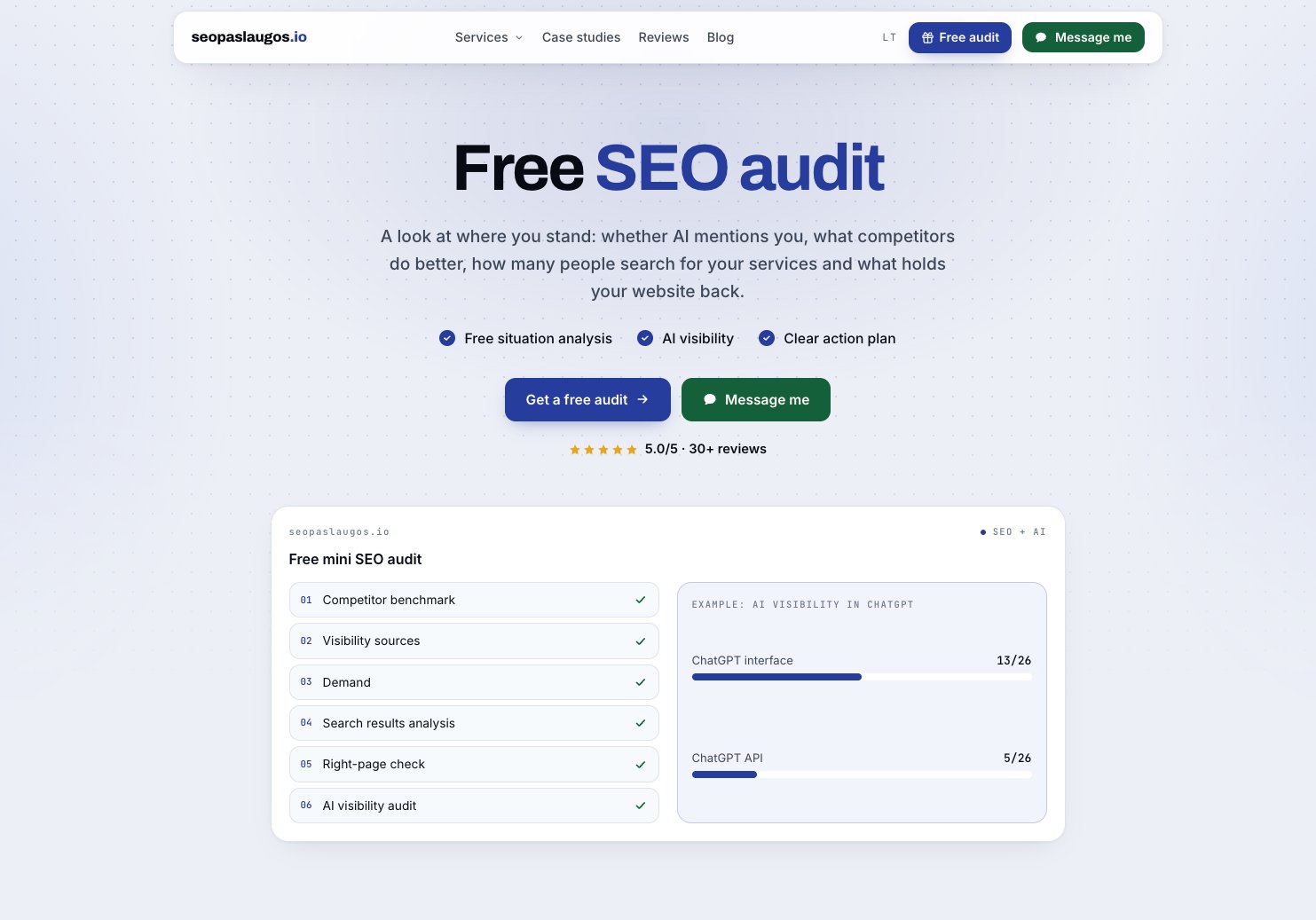
Most entries on this list hand over a report and leave the fixing to someone else. The free SEO audit from seopaslaugos.io sits in a different category, because the audit is the entry point to a service that does the work. Mantas Tamošaitis, an SEO specialist from Lithuania, carries out each mini audit, and it arrives together with the SEO proposal. That distinction matters for businesses without an in-house SEO or developer to act on a crawl export.
The audit answers a commercial question rather than a crawl question. It benchmarks the site against 3–5 competitors, measures demand by keyword group, reads the live top 10, checks whether the right page ranks for each query, and asks ChatGPT, Gemini, and Perplexity real buyer questions to see whether the business is mentioned. The service behind it covers technical SEO such as site speed, indexing, and cannibalisation control, plus on-page work on commercial pages built around purchase-intent keywords for services, cities, categories, and products. It also handles off-page link and mention acquisition, local search through Google Business Profiles and city pages, and e-commerce problems like filter pages and large catalog indexing.
What sets the model apart
Reporting is tied to calls, inquiries, and sales rather than traffic or rankings alone, with call tracking, form tracking, and e-commerce conversion tracking built in. There’s also an AI search component focused on structuring content and facts so ChatGPT and Google AI can cite the site, with AI visibility measured rather than assumed.
Two working models are offered. One works on the client’s existing site. The other is a no-retainer partnership for service-based businesses, paid only as an agreed share of deals confirmed at a monthly review, which shifts risk to the provider. Work is direct with Tamošaitis rather than through an account manager.
This fits service businesses and online stores that need inquiries, not another dashboard, and that lack the internal capacity to turn audit findings into fixes. Teams that only want raw crawl data to handle themselves are better served by the tools below.
2. Ahrefs Free Site Audit
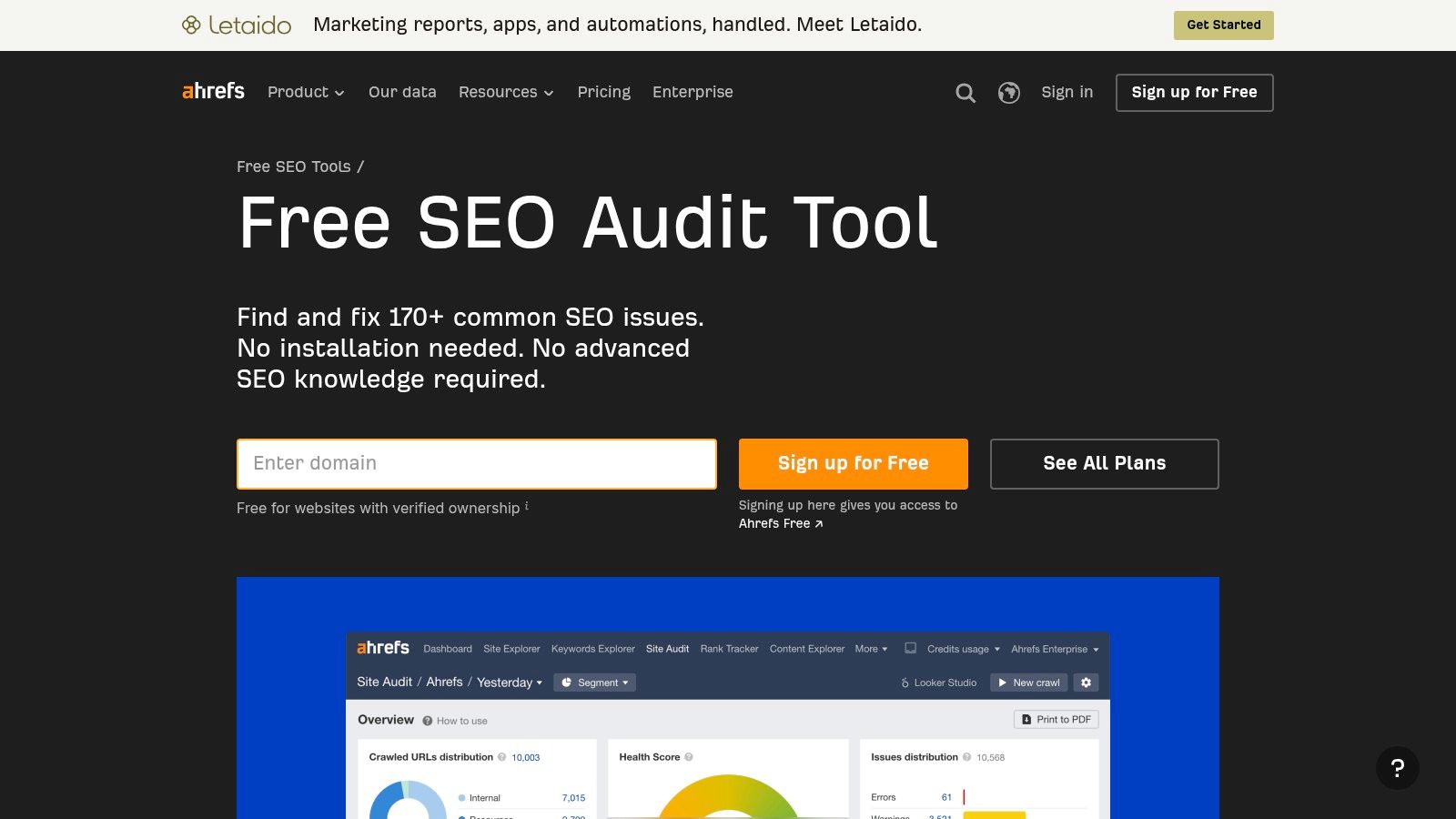
For recurring checks on a site the user owns, Ahrefs Free Site Audit is the most complete free crawler here. It checks more than 170 technical and on-page issues, groups them by type and importance, and rolls the result into a Health Score with explanations for each issue.
The practical value is the scheduling. Audits can run on a recurring basis with email alerts, so a regression introduced by a deploy shows up without anyone remembering to recrawl. Verified sites also get some backlink and keyword data alongside the audit.
- Best use: Ongoing monitoring of one owned property, where catching new errors matters more than deep competitive research.
- Hard limit: 5,000 crawl credits per project per month, and ownership verification is required before anything runs.
- What it won't do: Replace paid Ahrefs for competitor backlink or keyword analysis.
That verification requirement is the trade-off. Auditing a prospect's site or a competitor's site isn't possible here. For owned sites under the credit cap, though, it's the closest thing to a paid audit platform at no cost, and a natural companion to the kind of content tooling covered in guides such as this overview of AI blog generators.
3. Semrush SEO Checker
Where Ahrefs Free is built for repetition, Semrush SEO Checker is built for a first look. It returns an overall SEO score, technical and on-page findings, plus page-speed and mobile-usability observations, arranged as prioritized recommendations. Passed checks appear alongside failures, which helps a non-specialist see what's already fine.
That's useful in a first client conversation or an internal triage meeting. The output reads as a prioritized to-do list rather than a spreadsheet, and teams already using Semrush for market research don't need another login.
The limits are structural, not incidental. The free checker is a snapshot, not a recurring site-wide audit, and the crawl detail won't satisfy anyone debugging canonical chains or JavaScript rendering on a large site. Those live in Semrush's paid Site Audit.
The score itself needs handling with care. It is a screening signal, not a prediction of rankings or traffic, and treating a two-point rise as progress is a category error. Notably, audits are also starting to touch on how AI systems describe a business, a shift visible in tools like HubSpot's free checker for AI platform perception. Semrush's checker remains a conventional technical overview. Used that way, it's fit for purpose.
4. Screaming Frog SEO Spider
Ask practitioners what they reach for during a technical investigation and this name comes up constantly, with usage data showing 19.9% of SEO professionals identify Screaming Frog as their primary site-audit tool. Screaming Frog SEO Spider is downloadable desktop software, which means the crawl runs locally and the data can be filtered, segmented, and exported however the analyst wants.
It finds broken links, redirect chains, and missing or duplicate titles and meta descriptions at page level. That granularity is exactly what a checklist score can't provide when the question is which specific URLs are broken and what links to them.
The 500 URL ceiling
The free version is limited to 500 URLs per crawl. On a small site, that's a complete audit. On a 2,000-page site, it's a sample, and percentages in the report describe only the quarter that got crawled. Crawling a single folder or template at a time works around the cap for targeted checks.
JavaScript rendering, scheduling, and integrations sit behind the paid licence. Beginners also face a dense interface with a real learning curve. For anyone willing to learn it, this remains the sharpest free diagnostic tool in the list.
5. Seobility Website Audit
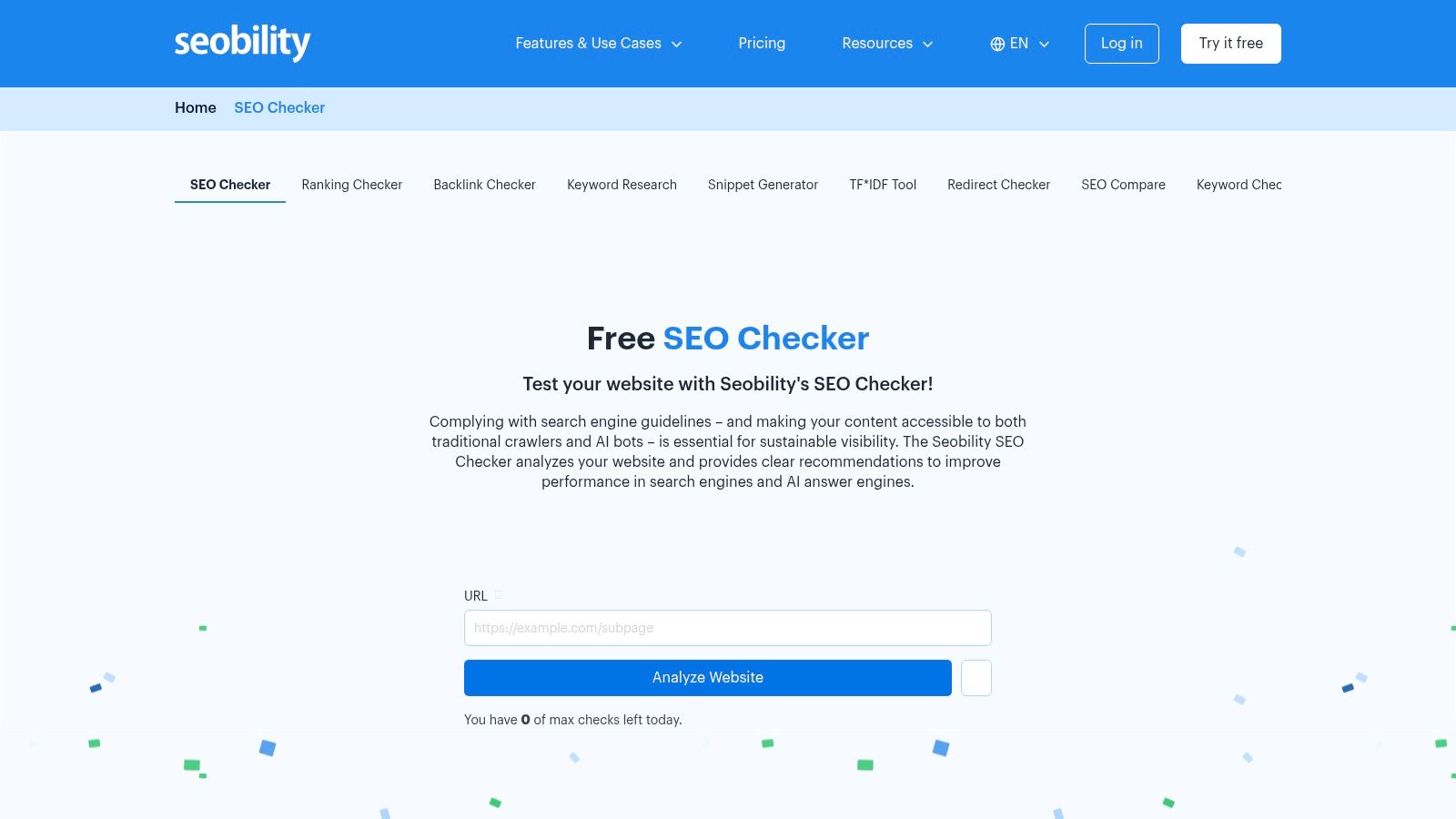
A small team that needs a site-wide error list, not a homepage score, can start with Seobility Website Audit. The diagnostic question it answers is which pages on one project have technical issues, without paying for a full platform.
Two free paths sit side by side. An instant check covers a single URL with no account. A free Basic account adds a crawl of that one project. The Seobility plan details linked above also note that it can flag pages blocked to some AI crawlers.
Limits are explicit. Crawls cap at 100 pages. After a crawl finishes, the next one waits seven days. Duplicate-content analysis and some reporting stay restricted on the free plan.
A brochure site or a small local business usually fits inside 100 pages. A weekly rerun matches a site that barely changes. Ship fixes every afternoon and the seven-day lock becomes the main cost: you cannot confirm the patch until the next window opens.
I would keep Seobility for that one free project crawl, and use the instant page check when only a landing page is in question. Both run without a paid licence. Past 100 URLs, or when the same afternoon needs a fresh crawl, the free tier stops being the right tool.
6. SEOmator Free SEO Audit
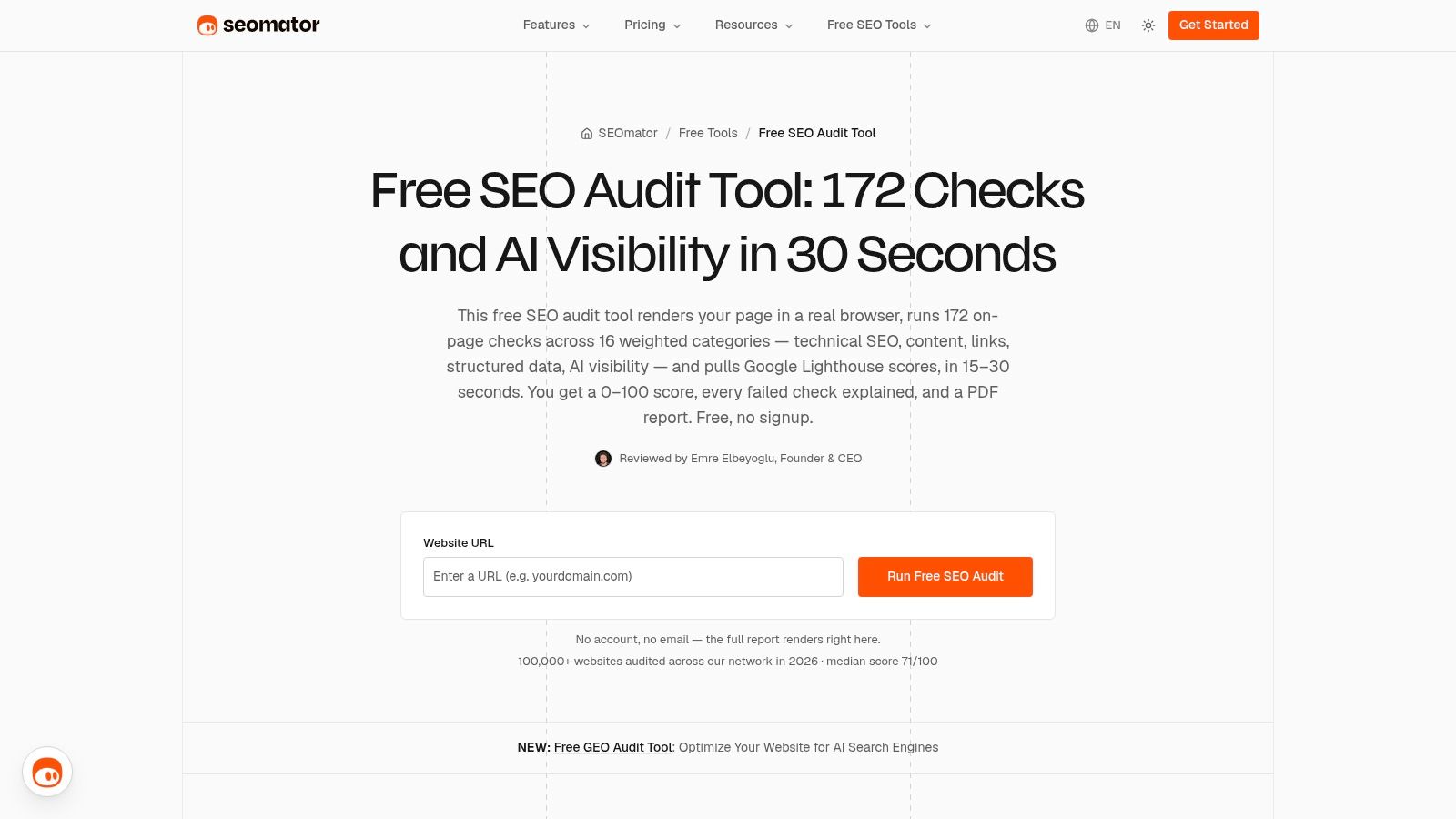
Need a report you can hand to a developer or client? SEOmator Free SEO Audit runs 172 checks across multiple SEO categories and generates a PDF, so findings are ready to share without assembling screenshots or spreadsheet exports.
That makes the free browser audit useful for a quick, presentable first pass. Its limit is scope: it checks one site as a single audit, rather than providing ongoing site-wide monitoring.
SEOmator also offers an account-based platform for whole-site crawling, audit history, and scheduled reruns. Those features require a paid account; check SEOmator's pricing page for current plan costs. A separate open-source command-line tool is aimed at technical teams.
The report organizes issues, but it does not determine which ones will affect business results. Treat it as a hand-off document and prioritize the fixes based on your site's goals and constraints.
7. Google Search Console
Every other tool here simulates what Google might see. Google Search Console reports what Google did, including impressions, clicks, indexing status, and URL-level inspection for a verified property. Google's technical requirements documentation makes the baseline explicit. Googlebot must not be blocked, the page must return an HTTP 200 status, and it must contain indexable content, and even then indexing isn't guaranteed.
That distinction is why Search Console belongs in a free stack. A crawler can show a page returning 200 with clean metadata while Search Console shows it excluded from the index. Only one of those facts determines whether the page can rank.
Practical rule: When a crawler and Search Console disagree about indexing, believe Search Console and investigate from there.
Coverage has gaps. Search Console won't enumerate every duplicate title or map internal link depth the way a crawler does, and some reports lag behind real time because they depend on Google's processing. Ownership verification is required.
Pairing it with a crawler covers both views, a combination Google keeps making easier, including through Search Console recommendations. Neither tool alone is sufficient.
8. Google PageSpeed Insights
Google PageSpeed Insights answers a page-level speed question: how does this URL perform on mobile and on desktop?
It runs Lighthouse-based lab diagnostics, names the resources and scripts adding delay, and separates those lab results from real-world field data where available. Free, no account. The limit is one URL per run, so a small team uses it on representative templates after a crawler flags slow pages, not as a site-wide audit.
A product page can stall on a phone while the homepage looks fine on a fast laptop. Large-scale crawls consistently find that slow-loading pages are common across the web, so this check is worth running on every key template.
The usual miss is testing only the homepage and assuming product or article templates behave the same. Oversized hero images, render-blocking scripts, and layout shift from late-loading elements often sit on those inner templates. I would not treat the Lighthouse SEO category score as a ranking assessment. It checks a handful of basics and skips content quality, internal linking, and index status.
Used on each key template, next to a free crawl, it does the one job a small team can run without paying.
9. Google Lighthouse
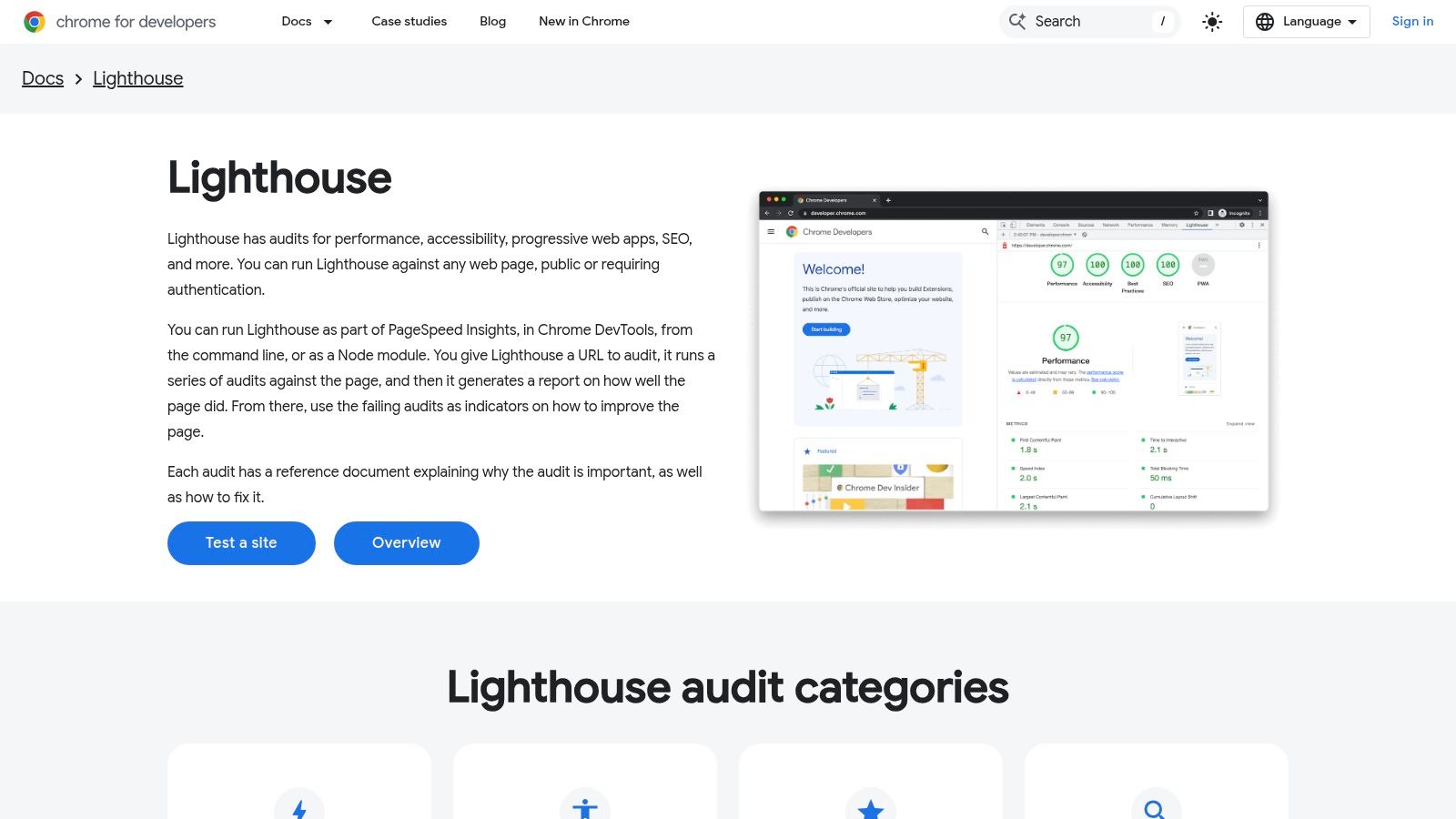
Google Lighthouse is the engine inside PageSpeed Insights, released as open-source software that also runs in Chrome DevTools, from the command line, or as a Node module. It audits individual pages across performance, accessibility, best practices, and SEO, returning scored categories with specific recommendations.
The accessibility category is where Lighthouse adds something most SEO tools ignore, and the need is documented. According to the HTTP Archive's 2025 Web Almanac, the median Lighthouse accessibility score exceeded 85%, yet only 30% of desktop and mobile pages achieved sufficient color contrast. Passing basics and being usable are different things.
Because it runs locally and in development pipelines, Lighthouse suits teams that want repeatable before-and-after checks on a template during a build, not after launch. A developer can test a staging page that no cloud crawler can reach.
Limitations mirror PageSpeed Insights. It audits one page at a time, so site-wide conclusions require testing representative templates deliberately. Command-line use and report interpretation assume technical comfort. And its SEO score is a short checklist, not a verdict on search performance.
10. WooRank SEO Review
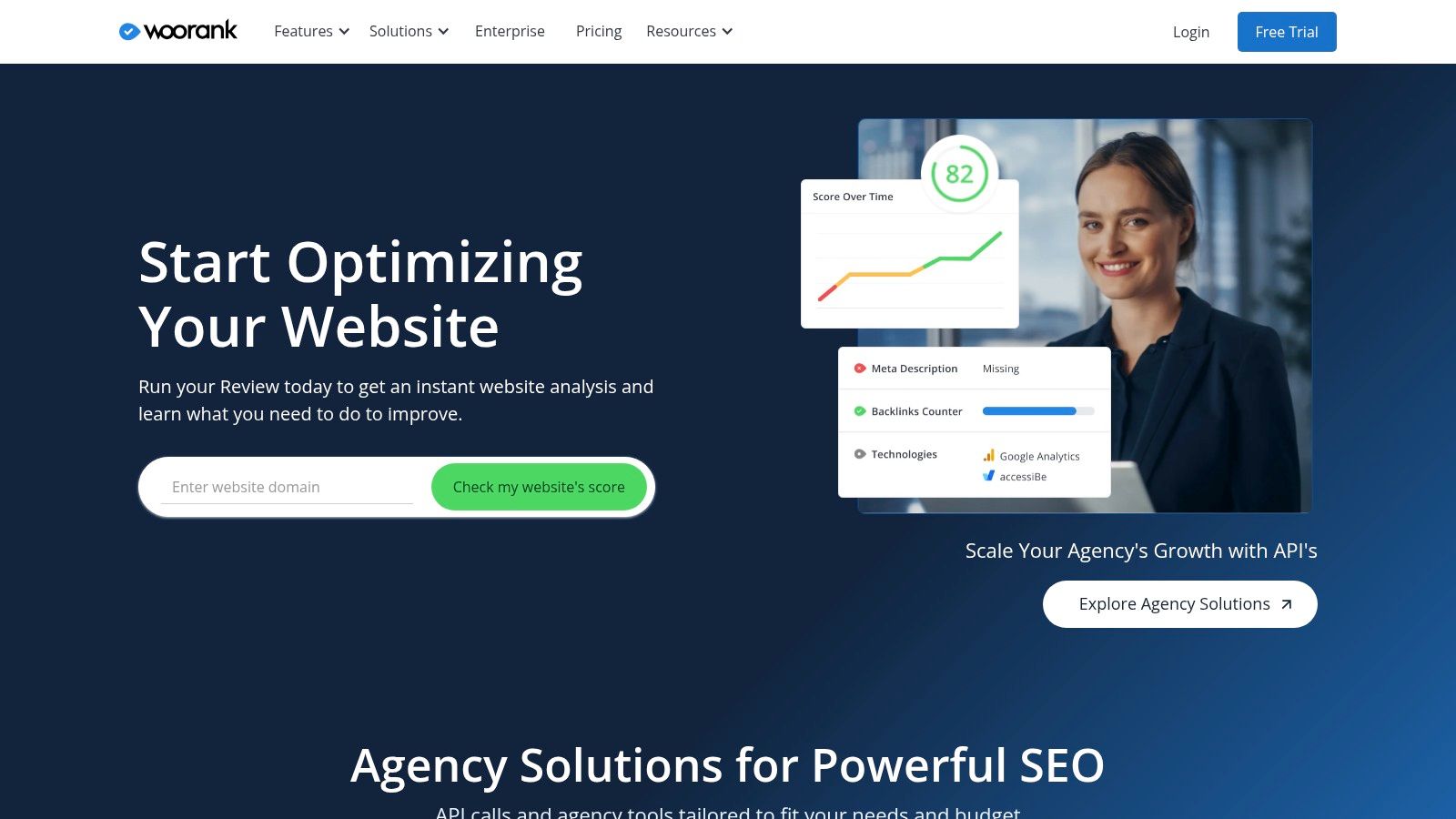
Not every audit needs to satisfy a technical SEO. WooRank SEO Review is built for the business owner or generalist marketer who wants to know, in plain language, whether a site has obvious problems. Its help documentation says it tests more than 70 on-page, technical, and off-page elements, presented as color-coded results with explanations attached to each criterion.
Including off-page and online-presence signals makes the output broader than a pure technical check. For a quick review of a prospect's site before a sales call, or a competitor's site before a planning session, that breadth in a readable format has real value.
Depth is where it gives ground. A checklist review can't match a crawler for finding every broken internal link, mapping redirect chains, or exporting URL-level data for a development ticket. Downloadable reports exist, but customization and more advanced project features depend on plan, and documented features may not match every current free-access workflow.
Treating a WooRank review as a triage step works. Something flagged red gets verified in Screaming Frog or Search Console before anyone commits development time. Treating the checklist as the audit itself is where teams get into trouble.
11. SEOptimer
The fastest check on this list requires no new tab. SEOptimer offers a Chrome extension that audits the page currently open in the browser, covering on-page and technical signals and presenting recommendations in a report-style interface.
That convenience shapes its best use. Reviewing a landing page during a meeting, sanity-checking a competitor's page mid-research, or giving a client live feedback on a call all suit a tool that runs in seconds where the user already is. The report presentation is easier to share than raw crawler output, and the company also sells paid audit and reporting products for agencies that need white-label deliverables.
Constraints are clear. Free extension use carries a daily audit limit, and a browser-based page check is not a site crawl. It won't find orphan pages, because orphan pages are precisely the ones nobody is browsing. Older marketing materials may also describe features or limits that have since changed, so current limits should be confirmed before building a workflow around them.
As a lightweight first pass before a deeper audit, it's well judged. As the only audit a site ever gets, it leaves most of the site unexamined.
How the free tiers compare on scope, limits, and sign-up requirements
Sort a free tier by the question it can answer, then read the cap and the sign-up in the same row. Crawl credits cover site-wide errors. A URL test covers page speed. A checklist covers a quick score a non-specialist can read. Search Console covers first-party search data. A wider scope column is not a better pick when the free cap cannot hold the site, or when verification blocks the first run.
| Item | Free Allowance | Scope | Sign-Up Required | Best For |
|---|---|---|---|---|
| seopaslaugos.io | Free audit; services paid per engagement, no monthly fee on the partnership model | Technical, on-page, local, e-commerce, off-page, and AI SEO | Contact required for services | Businesses seeking SEO support focused on leads and sales |
| Ahrefs Free, Site Audit | Up to 5,000 crawl credits per project monthly | Ongoing technical and on-page audits for verified sites | Ahrefs account and site verification required | Site owners wanting recurring technical SEO checks |
| Semrush SEO Checker | Free audit snapshot | Technical and on-page checks, speed, and mobile usability | None listed beyond the free snapshot itself | Getting a quick, prioritized overview |
| Screaming Frog SEO Spider | Up to 500 URLs per crawl | Detailed desktop site crawling and page-level checks | Desktop download; free crawl does not require a web account | Small sites and targeted technical inspections |
| Seobility Website Audit | One project; up to 100 pages per crawl | Technical and on-page site audit plus individual-page checks | Free account required | Small sites needing a basic crawl and page checks |
| SEOmator Free SEO Audit | Free browser-based audit with PDF report | Website checks; separate options for crawling and scheduled audits | None listed for the browser audit and PDF | Users who want a shareable audit report |
| Google Search Console | Free | Google search performance, indexing, and issue reports | Website ownership verification required | Monitoring Google visibility and indexing |
| Google PageSpeed Insights | Free individual-page tests | Mobile and desktop performance diagnostics | No account; test one URL at a time | Checking page speed and user experience |
| Google Lighthouse | Free individual-page audits | Performance, accessibility, SEO, and other page qualities | No account; audit one page or template at a time | Developers and marketers evaluating pages or templates |
| WooRank SEO Review | Free checklist review; full reports and project features depend on plan | Checklist review of on-page, technical, and off-page elements | Open checklist; paid plans for fuller reports and projects | Non-specialists wanting a readable website overview |
| SEOptimer | Free browser extension with a daily audit limit | Individual-page on-page and technical checks | Extension access required | Quick in-browser page reviews |
The hard trade-off is coverage versus access friction. Crawlers stop at 100, 500, or 5,000 URLs. Browser and checklist tools only score the page in front of them, and a daily extension cap makes them a spot check. Search Console and the two speed tools stay free without a URL quota, but neither exports a full internal-link graph. I would budget sign-up time the same way: Ahrefs and Search Console need ownership proof before any data appears, while a download or a single URL field does not. A small team can run one capped crawler, Search Console, and one page-speed test together and still pay nothing.
Matching a Free Audit Tool to Your Site and Workflow
Start with the diagnostic question, not the brand name. The scenarios below cover most situations a small team faces, and each one points to a different tool for a specific reason.
Picking by situation
- One landing page feels slow: Run PageSpeed Insights or Lighthouse on that URL and on the template behind it. Nothing else isolates performance causes.
- A site under 500 URLs needs a structural review: Screaming Frog's free tier can crawl the whole thing and export every broken link, redirect, and duplicate title.
- A small site needs recurring checks: Ahrefs Free suits verified sites that change often, while Seobility Basic fits a sub-100-page site on a weekly rhythm.
- A client needs a shareable PDF: SEOmator or SEOptimer produces a document non-specialists will read.
- A non-specialist wants a readable checklist: WooRank or Semrush SEO Checker gives a prioritized overview without spreadsheet literacy.
The recommended starter stack costs nothing and covers three of the four diagnostic jobs. One site-wide crawler, Google Search Console for first-party indexing and performance data, and one page-level speed tool for templates. Checklist tools then become a communication layer on top, used to present findings rather than discover them.
Coverage deserves explicit attention, because free tiers sample rather than census. Published free-plan allowances range from roughly 100 to 5,000 URLs according to a comparison of free SEO audit tool limits, so on any larger site the report describes a subset. Recording how many URLs were crawled against how many exist in sitemaps keeps a partial audit from being mistaken for a clean bill of health.
One more dimension is emerging. An audit of 106 voluntarily submitted websites covering 24,184 pages found that 74% of sites had pages with few statistics and 53% had answers that were difficult to quote, per an AI search audit write-up. Those sites were self-selected, so the figures aren't a global benchmark, but they flag a real gap. Pages can pass every technical check and still give AI search little worth citing.
Whatever the tool, findings need verification before action. Severity in a report isn't the same as business impact, a missing alt attribute on a decorative icon matters less than a noindex tag on a category page, and every fix should be confirmed by rerunning the audit after the change ships. A free score is a screening signal. It is not a ranking forecast, and no vendor score overrides what Search Console says Google did.
Run the starter stack this week. Crawl the site, check indexing in Search Console, and test the three templates that drive the most revenue. Then keep current with platform changes that affect those results through The Keyword, an independent publication covering search, social, and AI-driven marketing changes for over 200,000 subscribers, with a 100% free newsletter sent every Wednesday.