
OpenAI launches ChatGPT Atlas, a new AI-powered web browser
The release intensifies competition in the browser market, dominated by Google Chrome



OpenAI has entered the browser market with the launch of ChatGPT Atlas, its new AI-powered web browser. The company announced the release on Tuesday, confirming previous reports that it had been developing its own browser.
Back in late 2024, reports suggested that OpenAI was in discussions with companies like Condé Nast, Eventbrite, and Priceline to explore partnerships around its web browser.
The company said Atlas is rolling out globally on macOS for Free, Plus, Pro, and Go users, while Business, Enterprise, and Edu users can access it in beta if their plan administrators enable it. Users can download Atlas from chatgpt.com/atlas, and versions for Windows, iOS, and Android are expected soon.
What ChatGPT Atlas does
According to OpenAI, ChatGPT Atlas integrates the chatbot through a sidebar (“Ask ChatGPT”) directly into the browser. It lets users ask questions or interact with ChatGPT “anywhere across the web.” This means users can ask questions, summarize content, or perform tasks directly on the page without switching windows or copying text.

The company says Atlas includes ChatGPT memory, enabling it to reference past chats and tailor responses based on previous interactions. For instance, if a user asked ChatGPT for product research last week, Atlas could reference that conversation when comparing options on a shopping site today.
Adam Fry, OpenAI’s Product Lead, said during a livestream that Atlas also introduces a feature and browser history that let ChatGPT use past browsing data to provide more personalized responses.
The browser includes standard tools such as tabs, bookmarks, extensions, and incognito mode, offering a full browsing experience similar to what users expect from existing browsers.
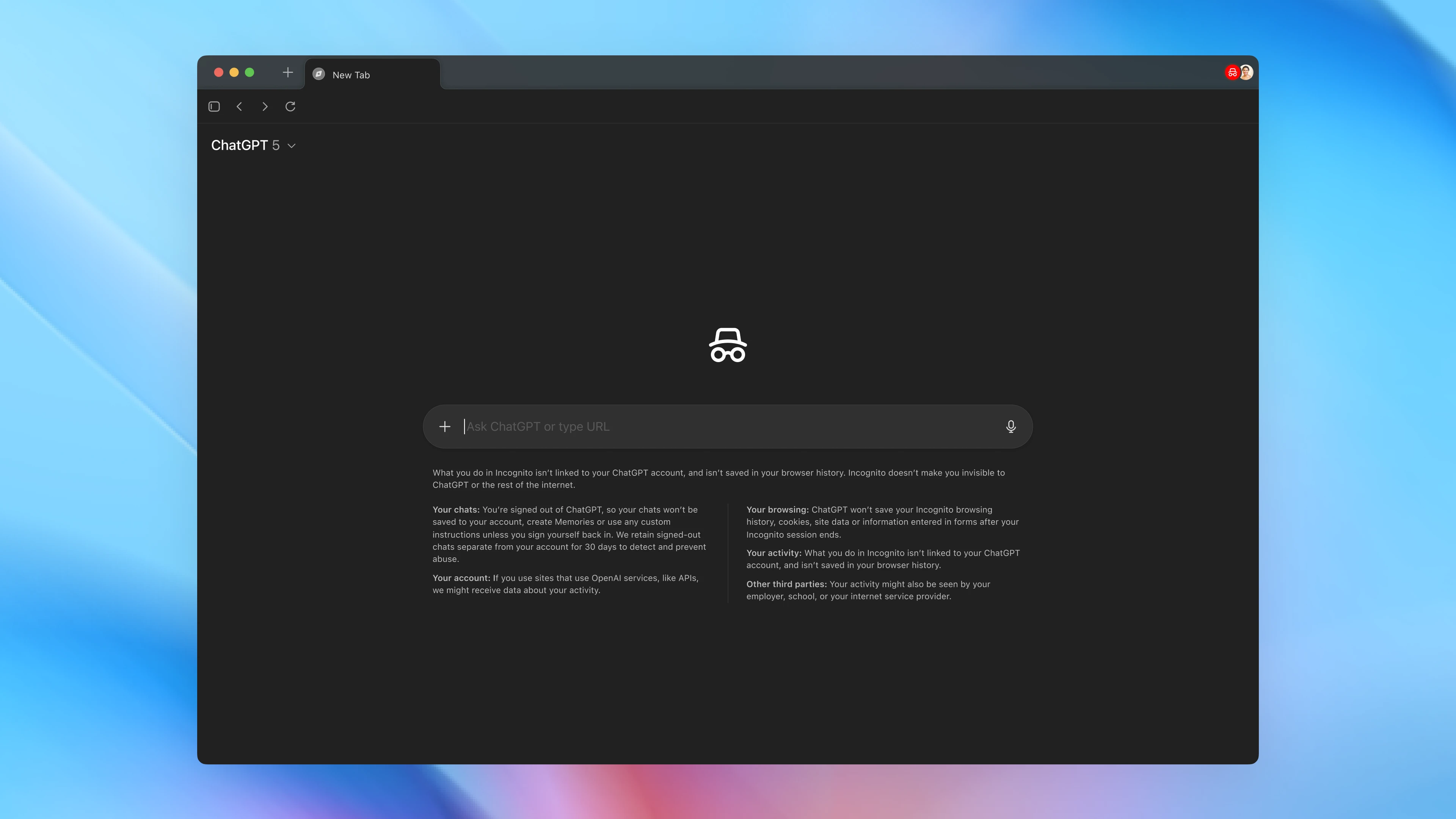
Competing for a new kind of web search
The emergence of AI browsers suggests a shift in how users engage with online content. Instead of typing search queries and sorting through results, users can now ask an AI directly, get summarized answers, and perform tasks without leaving the page.
The company aims to own a part of the browser market and serve more than 800 million ChatGPT users. However, it is entering a space currently dominated by Google. Launching a web browser places OpenAI in direct competition with the company, which has long dominated online search and browsing through Chrome. According to StatCounter, Chrome currently holds 72% of the global browser market share.
Other AI startups have also entered the AI browser race. Perplexity recently rolled out Comet, an AI browser available to all users globally. Comet includes a built-in assistant for answering questions and performing web tasks. Similarly, Microsoft has been integrating AI features into Edge using its Copilot assistant.
Google is also expanding its own AI capabilities to maintain its lead. The company recently integrated Gemini into Chrome, enabling users to access AI assistance directly from the browser.
When Google launched Chrome in 2008, few believed it could disrupt Microsoft’s Internet Explorer. The introduction of Atlas could become a real threat to Google Chrome. ChatGPT already dominates AI search with an 80% traffic share.